

-
Check in
Check in
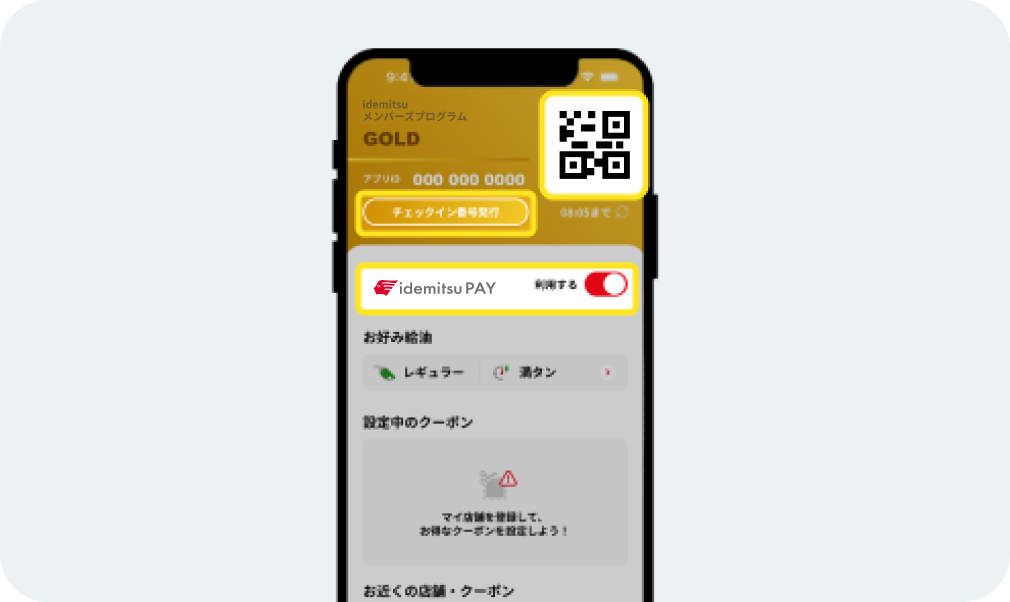
You can check in at stores that support the idemitsu app by scanning the QR code at the gas pump and then refueling or making a purchase.
At full-service locations, please press the [Issue Check-in Number] button and tell the staff the number.
If you have enabled [Use] for idemitsu PAY, you can proceed with the payment. -
Check the status of idemitsu PAY
Check the status of idemitsu PAY
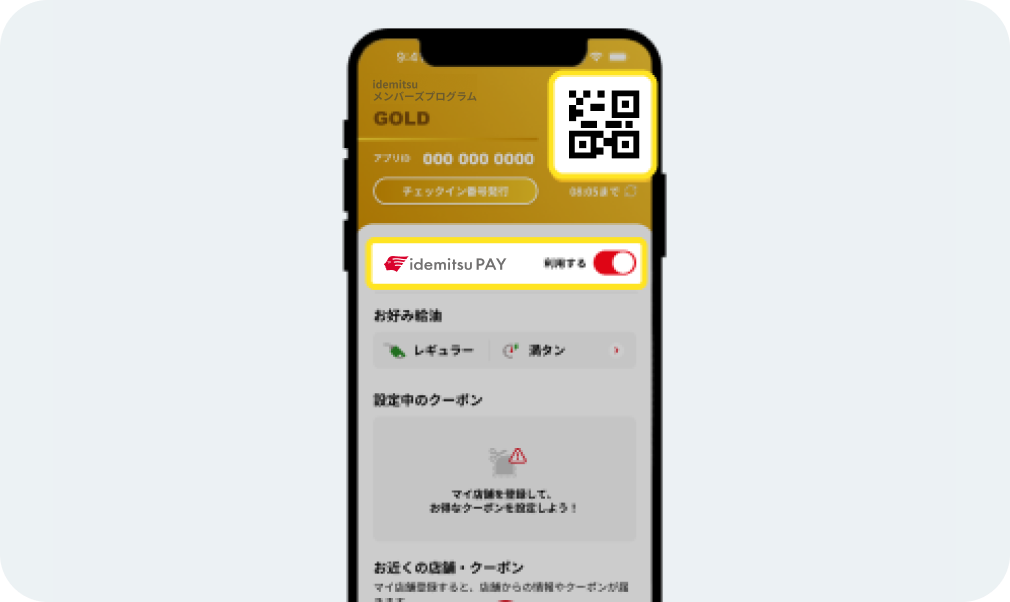
Please check the status of your idemitsu PAY account before using your membership card.
If you have already registered idemitsu PAY in the app, a [Switch] will be displayed below the QR code.*If the "[Identity Verification Required]" button appears on the switch, please press the button to complete identity verification. You can use idemitsu PAY after completing identity verification.
-
Before using idemitsu PAY
Before using idemitsu PAY
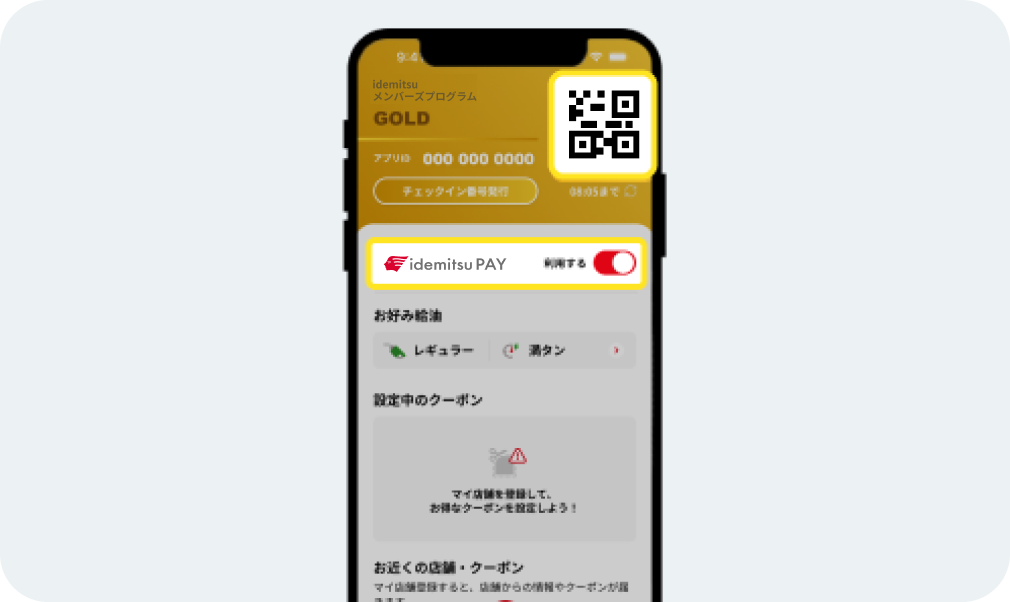
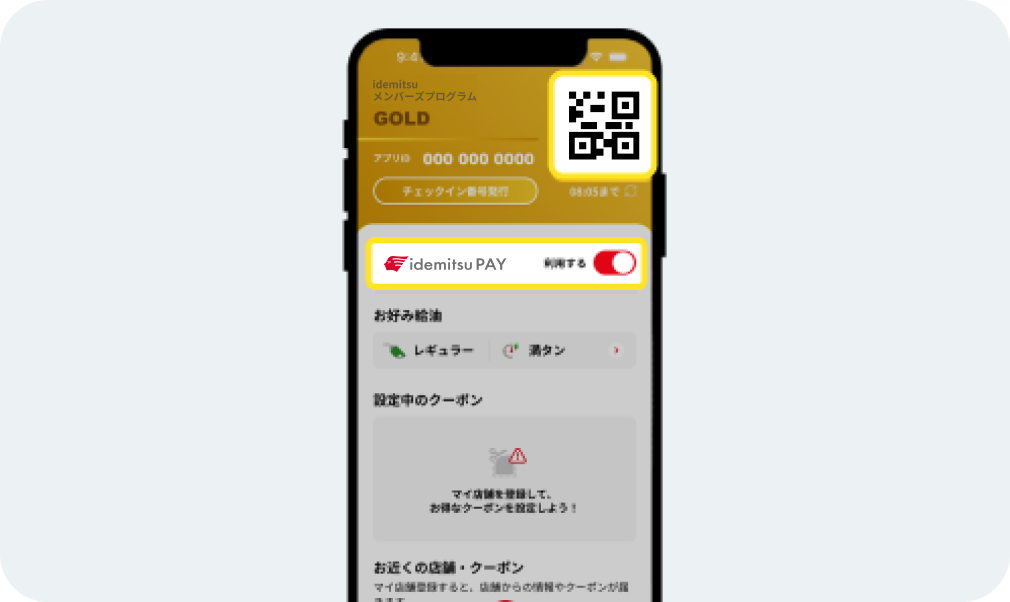
To use idemitsu PAY, turn the [switch] below the QR code to [ON].
When the [switch] is [ON], the Drive On mark will be displayed in the center of the QR code. -
Check your preferred fuel
Check your preferred fuel
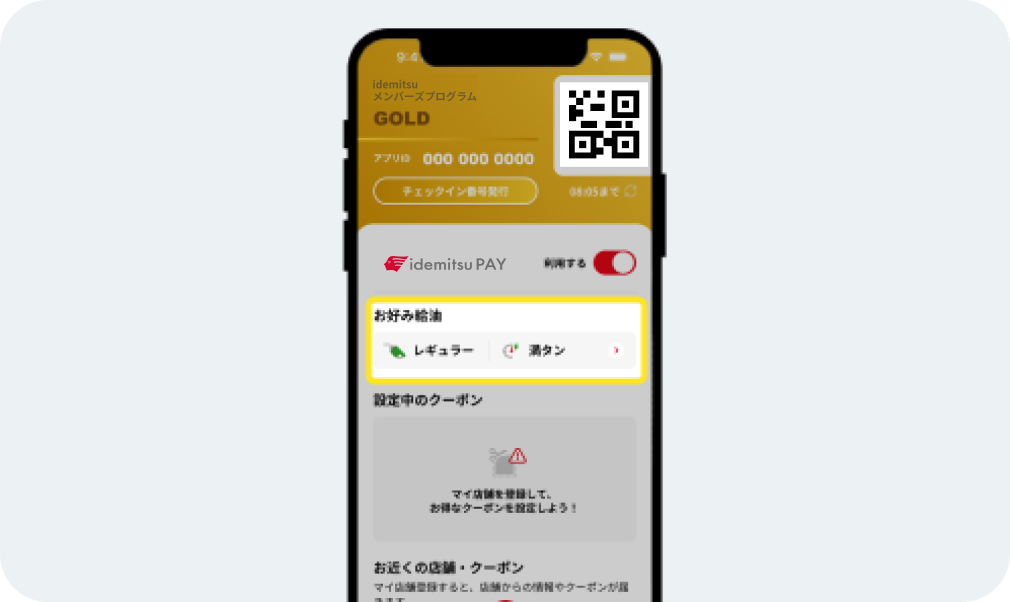
You can check the preferred fueling settings you have set. Selecting [Preferred fueling] will take you to the preferred fueling setting screen.
If you set your preferred fuel settings in advance, you can refuel smoothly at self-service stores. -
Set a coupon
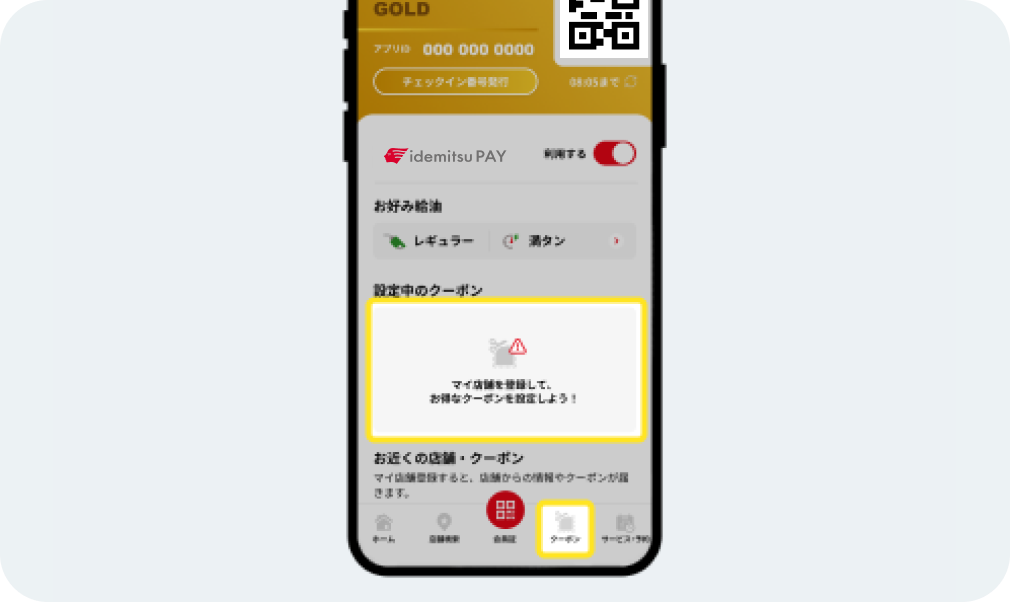
Set a coupon
Tap the blank space for the coupon you are setting up, or tap the coupon icon at the bottom of the screen to display coupons sent from stores registered as My Stores.
Click "Use" for each store's coupon to set the coupon. -
If the QR code cannot be read successfully
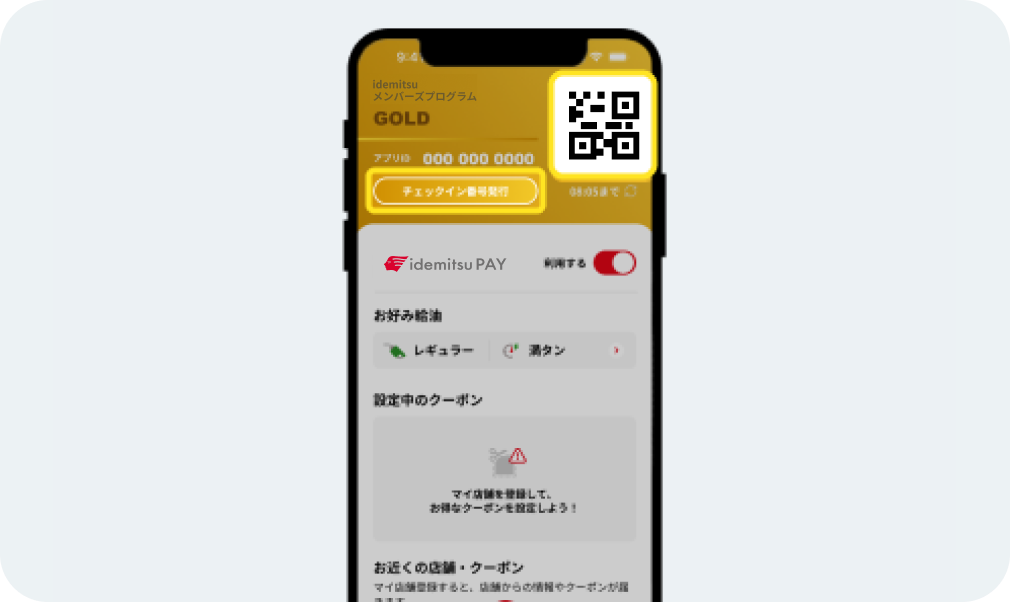
If the QR code cannot be read successfully
If the QR code is difficult to read, press the QR code to make the screen brighter.
If it still does not load, press the [Check-in number issue] button and enter the issued number. -
If you want to temporarily suspend idemitsu PAY
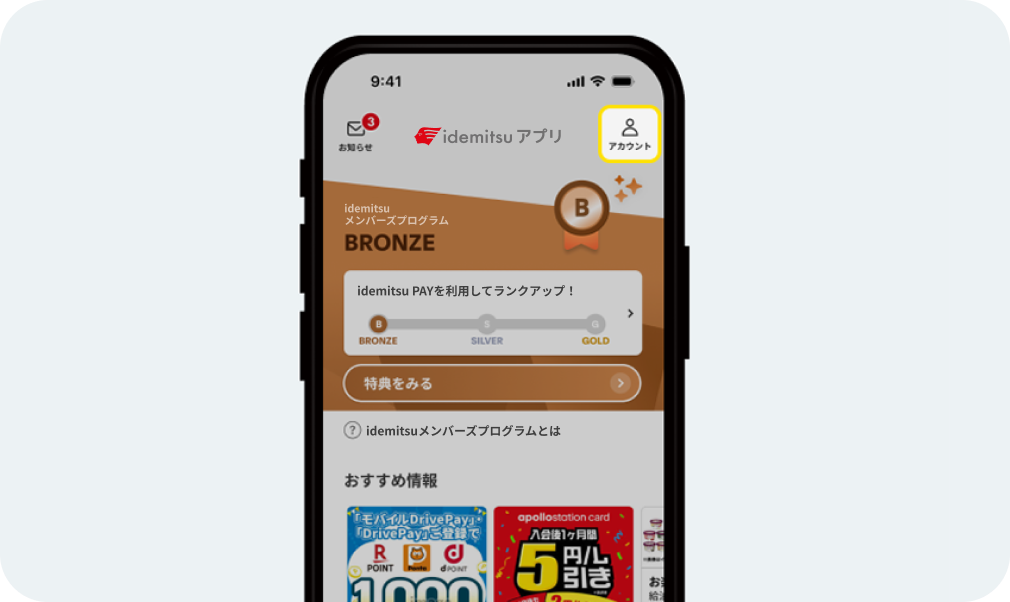
If you want to temporarily suspend idemitsu PAY
To temporarily suspend your use of idemitsu PAY, turn the [switch] below the QR code to [OFF].
-
If you want to cancel the coupon
If you want to cancel the coupon
If you want to cancel the coupon, you can do so by pressing the [Cancel] button.
You can set the coupon again by pressing the coupon's [Use] button.
About membership card
About membership card
You can check the status of your idemitsu PAY and check in here.

Using Idemitsu's services
Let's aim for Gold rank!

*Apple, the Apple logo, iPad, and iPhone are trademarks of Apple Inc., registered in the U.S. and other countries. The iPhone trademark is used under license from Aiphone Co., Ltd.
*App Store is a service mark of Apple Inc.
*iTunes only permits legal copying. Please do not pirate music.
*"Google Play," "Google Play logo," and "Android" are trademarks or registered trademarks of Google Inc.