Reservation and work completion of PIT in plus from Drive On



Receive 3 tickets when you reserve PIT in plus from Drive On and complete the work!

Select "Service/Reservation"
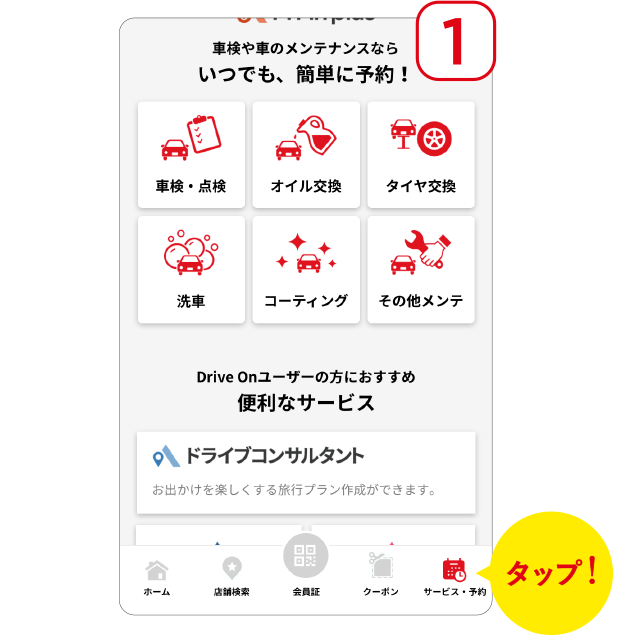
Tap "Service/Reservation" at the bottom right of the app home screen


Select service
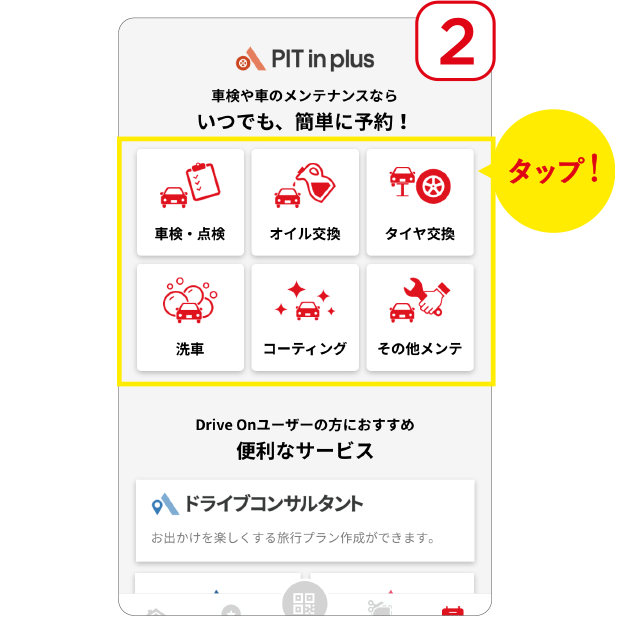
Tap the service you want to reserve
make a reservation
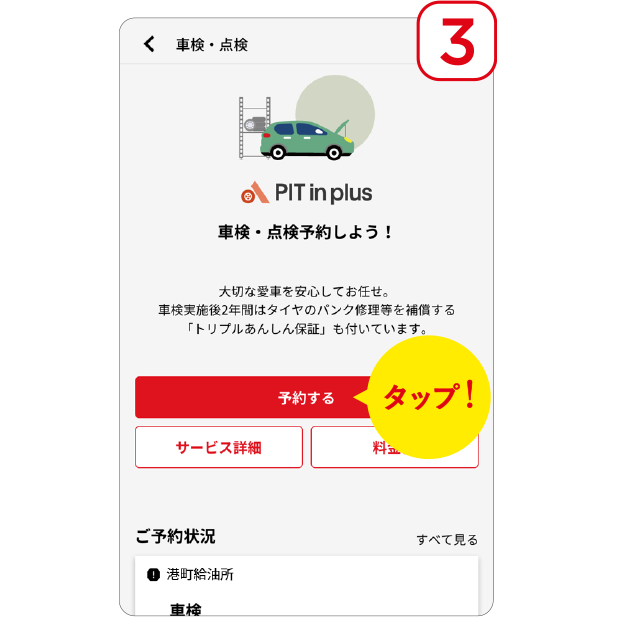
Tap "Reserve"
Select store
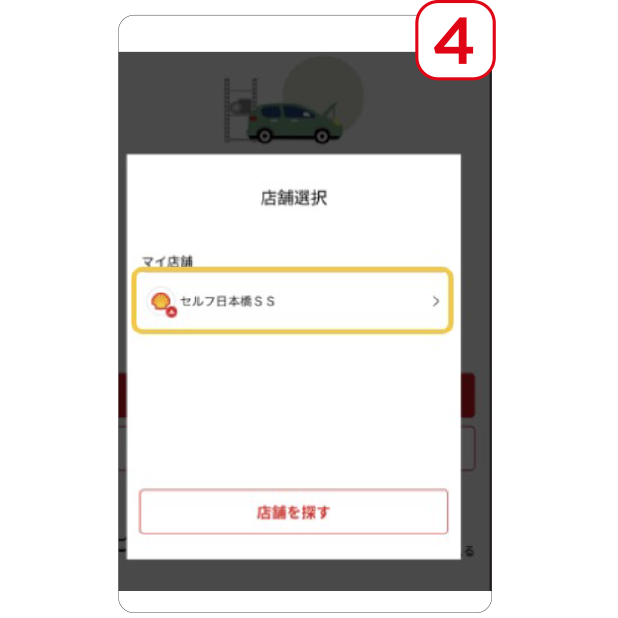
Tap the store where you will receive the service and complete the reservation from the PIT in plus website.
Work completed at store
Earn tickets by completing tasks in the store