
How to make a reservation
-
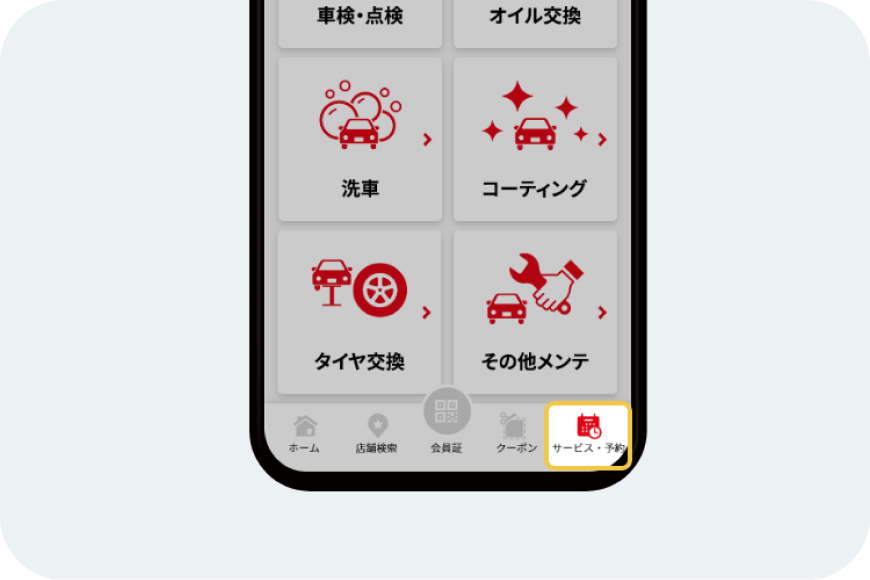
1. Select the [Services & Reservations] button below.
-
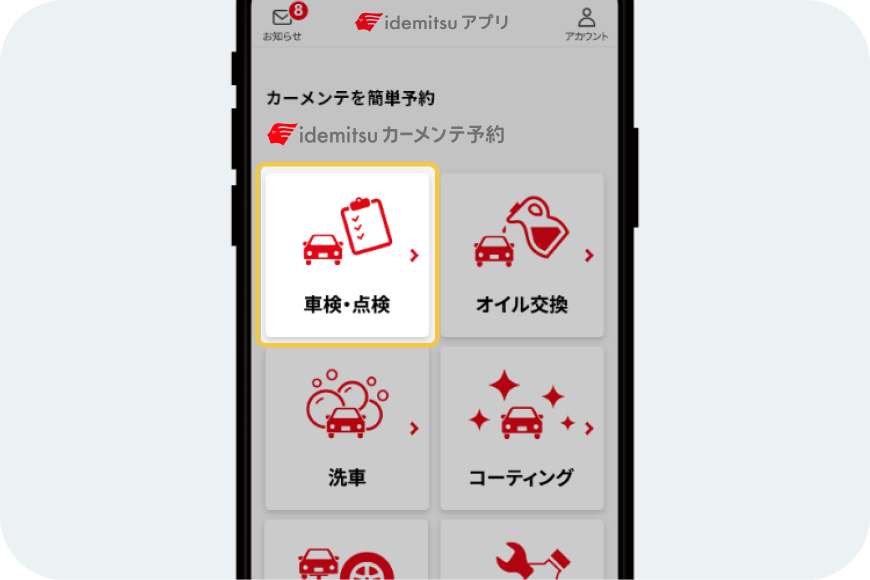
2. Select the service you wish to book.
-
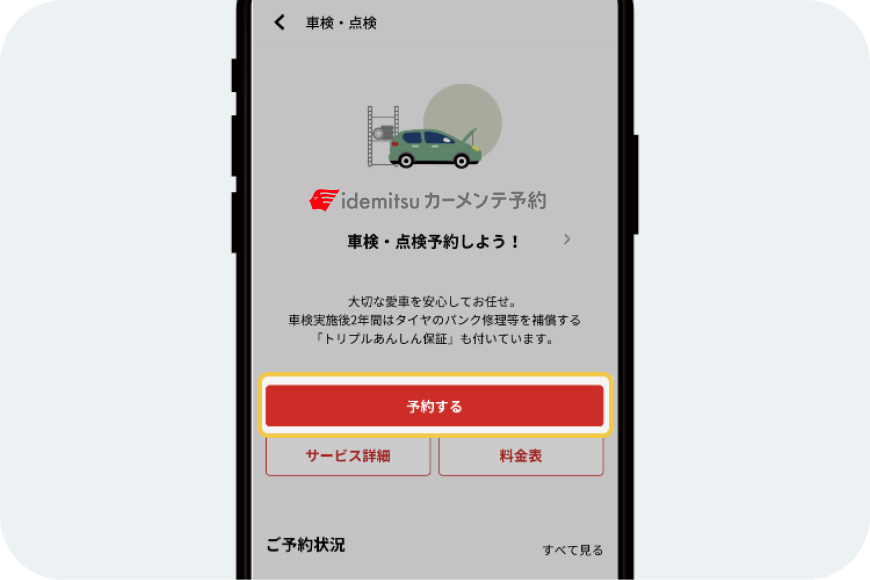
3. Select the [Make a reservation] button.
-
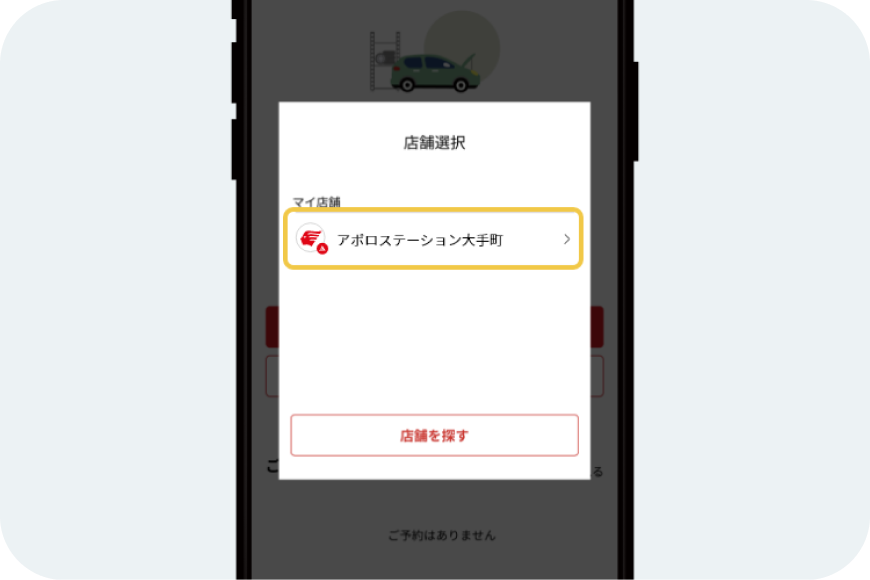
4. Select the store where you will receive the service.
-
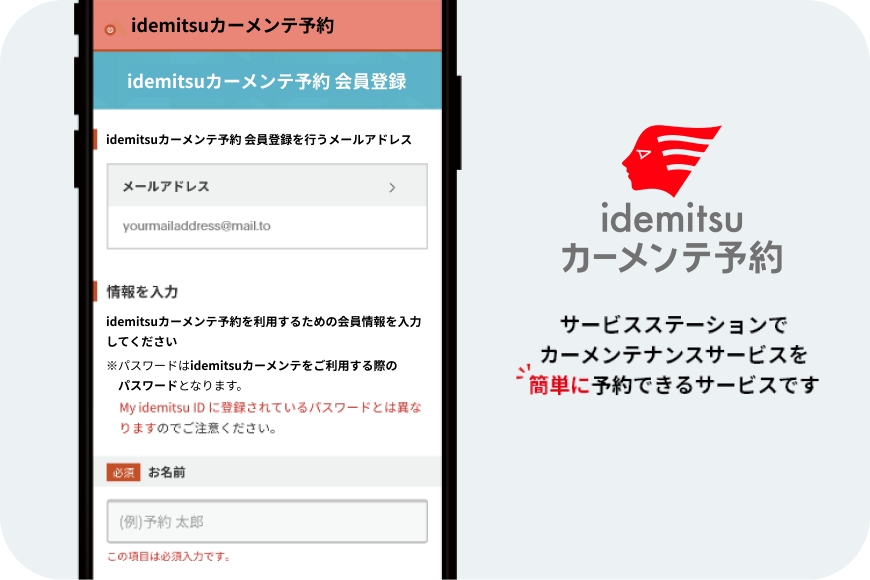
5. Please make a reservation for your desired service from the idemitsu car maintenance reservation page.
-
If My idemitsu ID is not registered
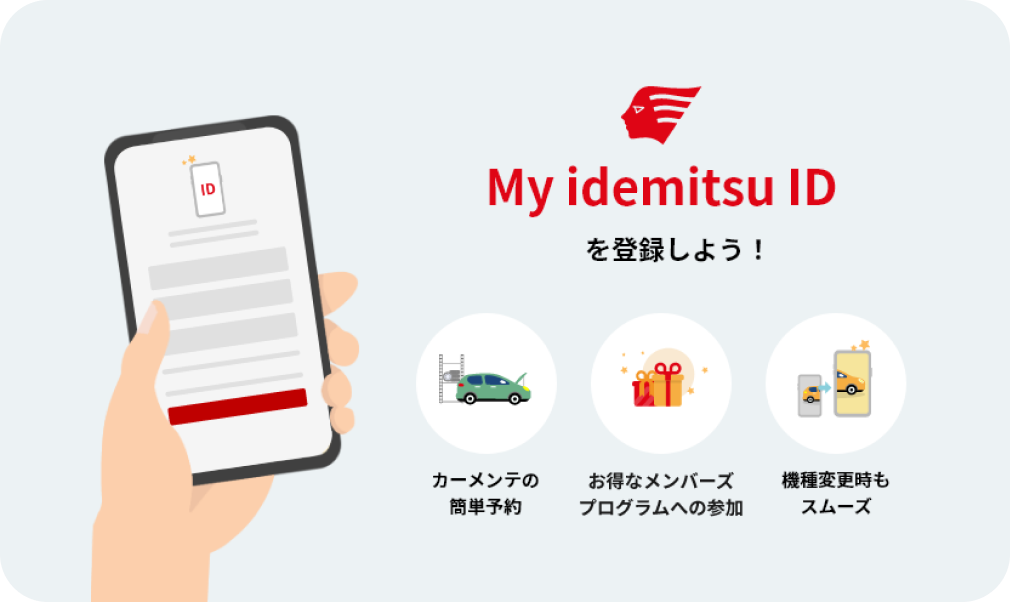
If My idemitsu ID is not registered, please enter the required information and complete the registration procedure.
-
If member information linkage has not been completed
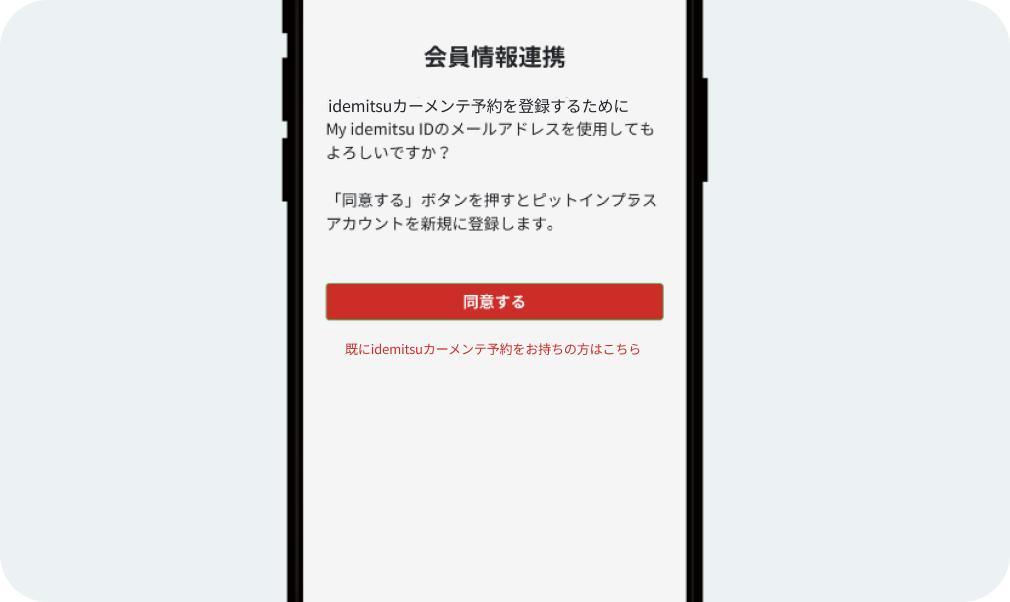
If you do not have an idemitsu car maintenance reservation account, please select [Agree].
If you already have an idemitsu car maintenance reservation account, please select [Click here if you already have an idemitsu car maintenance reservation account].